
Yes. A smart lock is safe when you buy a good one and put it on a door that shuts right. It still has a strong deadbolt. You can give each person their own code, see who came in, and use a backup key if the battery gets low.
A lot of people tell us a regular key is safer. Then they tell us where the spare is. Under the mat. With the neighbor. In the fake rock by the steps.
So here is the real question. Are smart locks safe, and do they work every day?
Short answer: yes. A good smart lock on the right door, set up right, is a real lock. You also get to decide who comes in, and for how long.
Here at One Sound Choice, we set up smart locks for families in Pequannock, Wayne, Montville, Kinnelon, and nearby towns. This guide is what we walk them through at the front door.
On this page
- Are smart locks actually safe?
- Is a regular key really safer?
- How does a smart lock work day to day?
- What goes wrong with cheap smart locks?
- What should you check before you buy one?
- What are the honest limits?
- Smart lock questions
- Want a smart lock that just works?
- Meet Ryan
Are smart locks actually safe?
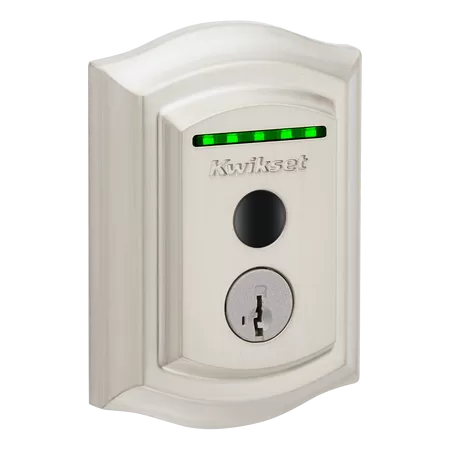
Yes. A good smart lock is a real deadbolt. The bolt slides into the door frame and holds the door shut, the same way your key lock does.
The motor just turns the bolt for you. You open it with a code, your phone, or on some models your fingerprint.
So the bolt is not the big difference. The big difference is who controls access. With a key, anyone holding a copy can get in. With a smart lock, you hand out codes. You can also take them back.
Most good smart locks still take a key, too. That key is your backup. It’s there if the batteries run down.
One tip when you shop. Look for an ANSI or BHMA grade on the box. That grade comes from outside testing of the bolt and the lock body. It does not rate the app. A lot of cheap no-name locks don’t list one at all.
Is a regular key really safer?
Not always. A key is only as safe as every copy of it, and most homes have more copies out there than anyone remembers.
Think about where your keys are right now:
- One under the mat or in a fake rock
- One with a neighbor
- One with the dog walker or the cleaner
- One from the contractor who redid the kitchen
- One the last owner never handed over
None of these people are bad guys. They are just keys that exist, in drawers and pockets you will never see.
You can’t turn a key off. To make old copies stop working, you need a locksmith to rekey the lock, or you need new locks.
A code works the other way. Each person gets their own. When the dog walker stops coming, you turn off that one code from your phone. Everyone else’s code keeps working. Nothing to collect. Nothing to hide.
Just moved in? If the house came with a smart lock, clear the old codes and the old app account. Then set it up fresh in your name. The backup key on a smart lock is still a key, so keep track of those copies too. Usually that means 1 or 2, not a drawer full.
How does a smart lock work day to day?
Mostly, you stop thinking about keys. The lock does its job, and you check on it when you want to.
Here’s a normal fall week with a good smart lock:
- The kids get off the bus and punch in their own code.
- You leave for work. The door locks behind you.
- The cleaner’s code works on the cleaner’s day.
- Your parents come for the weekend. You give them a code on Friday and turn it off Monday.
- You’re in bed and wonder if you locked up. You check your phone. Locked.
Many locks also keep a short history. You can see that the kids got in at 3:15. You can see the cleaner came Tuesday. You pick which alerts you want, so your phone doesn’t buzz 50 times a day.
No hunting for keys in the rain. No spare under the mat.
What goes wrong with cheap smart locks?
Most smart lock trouble comes from 3 things: the wrong lock, a door that doesn’t line up, or a rushed setup. Very cheap locks add a few problems of their own.
Here is what we find at front doors:
- The bolt rubs. The door sags a little, so the bolt drags on the frame. You don’t feel it, because the motor turns the bolt, not your hand. The motor works harder, and the batteries die in weeks instead of months.
- The bolt doesn’t go all the way out. The app says “locked.” The bolt is only part of the way into the frame.
- Weak Wi-Fi at the front door. The keypad works fine, but the app keeps saying “offline.” The front door is often the far end of the house from the router.
- No bridge or hub. Some locks talk to a small plug-in bridge near the door. If it’s missing or too far away, phone control comes and goes.
- One code for everybody. Same code for family, sitters, and the painter from 2 years ago. Never changed. That’s the spare key problem all over again.
- Auto-lock set wrong. Too fast, and you’re locked out getting the mail. Turned off, and it never locks at all.
- The app is on one phone. Only one person set it up. Nobody else sees the low-battery warning.
The cheapest no-name locks from online stores add 2 more. Parts can be loose and hard to replace. Support can disappear after the sale. That’s why we stick with brands that have real parts and real support.
None of this means smart locks are bad. It means the lock has to fit the door, and someone has to set it up right.
Not sure your door is a good fit? Call or text One Sound Choice at (973) 945-5275. You can also start on our smart lock page.
What should you check before you buy one?
Check the door first, then the lock, then the Wi-Fi, then the setup on every phone. This is the same list our team runs at every front door.
- Does the door close clean? No rubbing, no slamming, no shoulder push to latch it.
- Is it a real deadbolt-style lock? A bolt that goes into the frame, with a grade on the box.
- Strike plate and long screws. The metal plate on the frame should line up with the bolt. Long screws should reach past the trim into the framing behind it.
- Wi-Fi at the door. Test the signal standing on the porch, not in the kitchen. Find out if the lock needs a bridge.
- Codes. One per person, each with a name. You should know whose code is whose.
- Auto-lock time. Pick a time that fits how your family comes and goes. On locks with a door sensor, make sure it won’t throw the bolt into an open door.
- The app on every phone that needs it. Both parents, and anyone else who should get alerts.
- Batteries and a backup way in. Fresh batteries, a low-battery warning that reaches the right person, and a key or emergency power option.
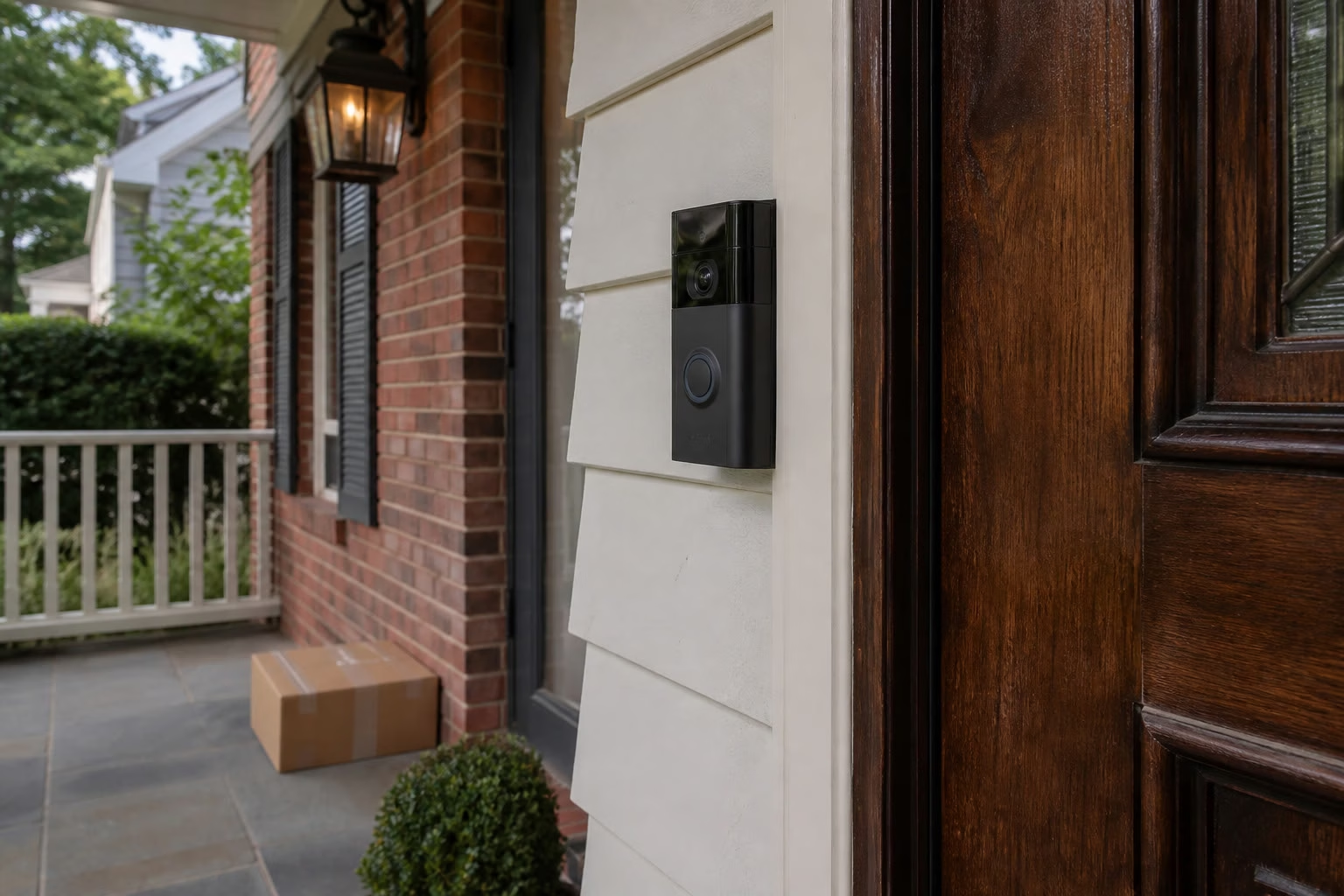
Here’s a quick test you can do today. Open the door and turn the deadbolt by hand. Then close the door and turn it again. If it’s harder with the door closed, the bolt is rubbing. Fix that first. A smart lock won’t fix it for you.
Doors in Northern New Jersey move with the seasons, too. A wood door that closes fine in January can stick in a humid August. In older homes around Pequannock and Wayne, that’s why we check the strike plate and the hinges before a new lock goes on.
Have a storm door? Check that you can reach the keypad and that the lock body clears the glass when the storm door shuts. Some locks stick out too far.
What are the honest limits?
Smart locks are good, not magic. Batteries, Wi-Fi, and the door itself all set limits.
- Batteries. How long they last depends on the lock, the door, and how often it’s used. Most warn you before they die. Many also have an emergency power option on the outside. Fresh batteries before winter is a good habit, since cold is hard on them.
- Wi-Fi outages. On most keypad locks, the codes live in the lock. So the keypad keeps working when the internet is down. What you lose is phone control and alerts until the Wi-Fi comes back. On some models, codes set for certain days can pause while the lock is offline. We tell you how yours behaves.
- The wrong door. If the door is warped, drags, or doesn’t close clean, a smart lock won’t fix that. Sometimes the right fix is the door, not the lock.
- Electronics age. A plain deadbolt can last for decades. The electronic parts in a smart lock have a shorter life. Keep the backup key working, and plan to replace the lock someday.
- It’s a lock, not an alarm. A smart lock controls who gets in the door. It is not a full security system. If you want cameras or an alarm too, that’s a separate talk.
What One Sound Choice clients say
We one a vacation home and were concerned with security when we are not there. 1 Sound Choice provided camera that allowed us to record all activity for a month and we could dial into the system from the internet. The system also will automatically flash lights inside the home to discourage intruders from entering.
– The Lavelle Family (1 Sound Choice client testimonials)
The 1 Sound Choice staff was very easy to work with. Ryan, you understood our wants right from the beginning. Simplicity of installation and operation were just some of the reasons we chose 1 Sound Choice. You exceeded my expectations!
– Mr. & Mrs. Matia (1 Sound Choice client testimonials)
I have hired 1 Sound Choice on several occasions over the past 10 years for several projects (from minor implementations to a whole house system). Ryan and the team at 1 Sound Choice are consummate professionals – extremely knowledgeable and up to date with technology, focused on delivering the best solution to fit your need, and highly customer service oriented. This combination plus the quality of finished product (every time) have made me a loyal customer… I highly recommend 1 Sound Choice.
– Terry Maytin (Houzz review)
Smart lock questions
What happens if the battery dies?
You get a warning first on most smart locks. If you miss it, use the backup key or the lock’s emergency power option. Then put in fresh batteries.
What if my Wi-Fi goes out?
On most keypad locks, your codes still work. You lose phone control and alerts until the Wi-Fi is back.
Can I give someone a code and take it away later?
Yes. Give each person their own code with their name on it. When the job ends or the visit is over, turn that one code off from your phone.
Do I need a new door?
Usually not. We check how the door closes first. If it needs a fix before a lock goes on, we tell you.
Can I still use a key?
Yes, on most good smart locks. The key is your backup. Keep track of who has a copy.
Want a smart lock that just works?
If you want a lock that just works, we can help. Our team checks your door, picks a lock that fits your door and your phone, and sets up codes, auto-lock, alerts, and batteries before we leave.
See how we set up smart locks. Or call or text (973) 945-5275 for a free visit.
Meet Ryan

Ryan Herd is the CEO of One Sound Choice. He has spent 30+ years designing reliable smart homes in Northern New Jersey. He is a TEDx speaker, an author, and a former Mayor of Pequannock Township. More about Ryan.
One Sound Choice, 8 Tilley Ave, Pompton Plains, NJ 07444. Call or text (973) 945-5275. We work in homes across Morris, Passaic, Bergen, Essex, Somerset, and Hunterdon counties.