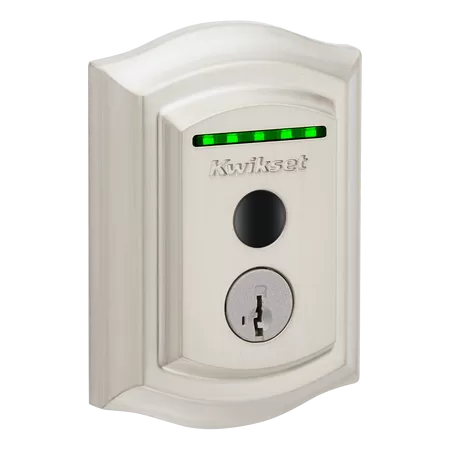
Myth — “A Traditional Key Is Always Safer”
A key is only as safe as every copy of it.
The bolt in a good smart lock does the same job as the bolt in your key lock. It slides into the door frame and holds the door shut.
So the real question is not the bolt. It’s who can open it.
With a key
You don’t always know. Keys get copied. Keys get lent out. Keys don’t come back.
With a smart lock
Every code is yours. You give it. You can turn it off. Most good smart locks still take a key too, as a backup.
The Spare Key Problem
Most homes have more key copies out there than anyone remembers.
Think about where the keys are right now:
- One under the mat or in a fake rock
- One with a neighbor
- One with the dog walker or the cleaner
- One from a contractor who finished the job last year
- One the last owner never handed over
You can’t turn a key off. To cut off an old copy, you need new locks or a locksmith to rekey.
A code works the other way. One code per person. When the job ends, you turn that code off from your phone. Nothing to collect. Nothing to hide under the mat.
Many smart locks also show when a code was used. So you can see that the kids got home. Or that the cleaner came Tuesday.
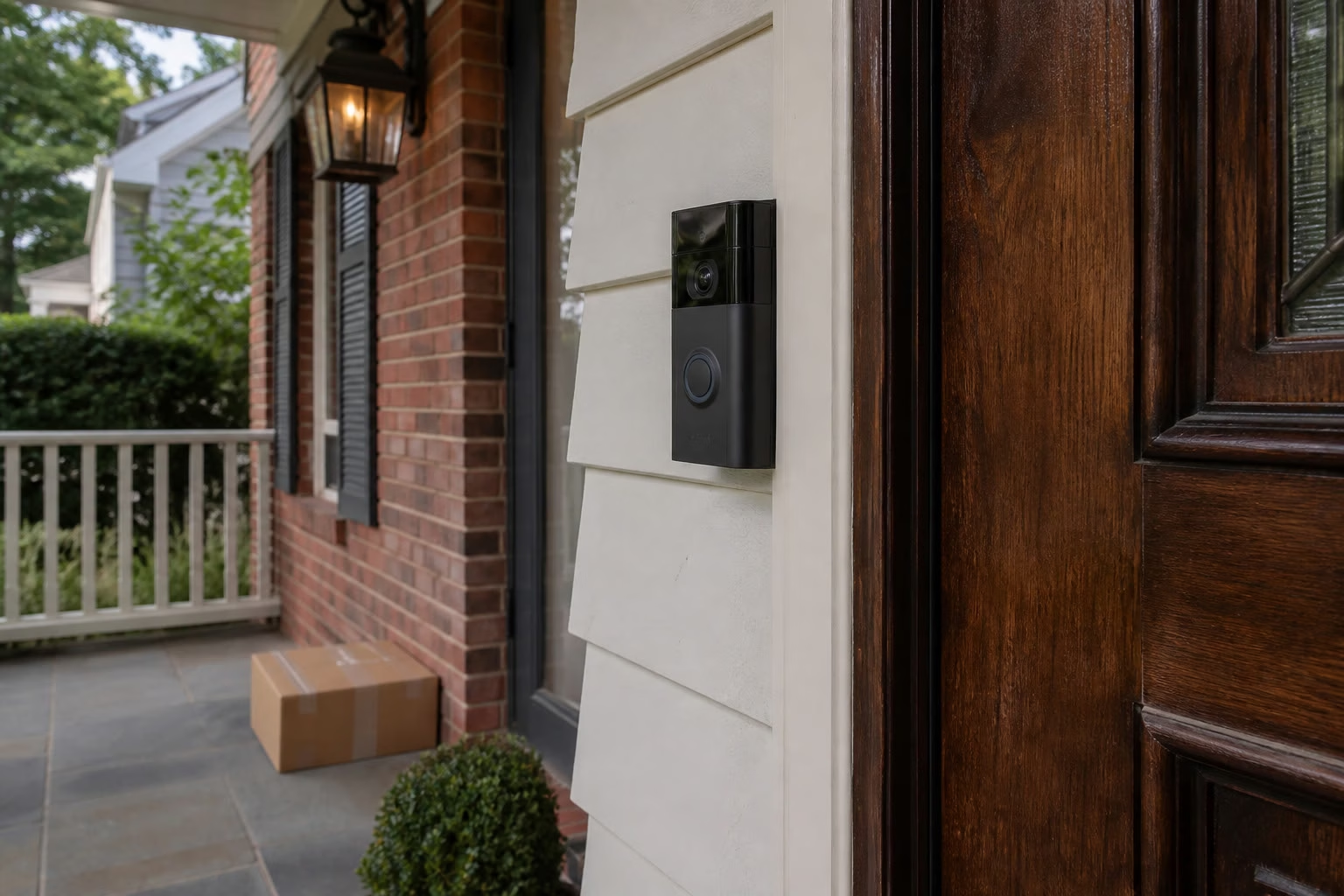
What a Normal Day Looks Like
You stop thinking about keys.
- The kids get off the bus and punch in their code.
- You leave for work. The door locks behind you.
- The cleaner comes on Tuesday. Their code works that day.
- Your parents visit for the weekend. You give them a code. You turn it off Monday.
- You’re in bed and wonder if you locked up. You check your phone.
That’s it. No hunting for keys. No spare under the mat.
What Goes Wrong With Cheap Gadget Locks
Most smart lock trouble comes from the wrong lock, a door that doesn’t line up, or a rushed setup.
Here is what we see in homes:
The bolt rubs
The door sags a little. The bolt drags on the frame. The motor works too hard, and the batteries die fast.
The bolt doesn’t go all the way
The lock says “locked,” but the bolt is only part of the way out.
Weak Wi-Fi at the front door
The lock works on the keypad, but the app keeps saying “offline.”
No bridge or hub
Some locks need a small bridge near the door to reach Wi-Fi. If it’s missing, phone control is spotty.
Codes nobody manages
One code shared with everyone, never changed. That’s the spare key problem all over again.
Auto-lock set wrong
It locks too fast and you’re locked out getting the mail. Or it’s turned off, so it never locks at all.
An app nobody set up
Only one person in the house has it. Nobody gets a low-battery warning.
The real fix
None of this means smart locks are bad. It means the lock has to fit the door, and someone has to set it up right.
What One Sound Choice Checks at Your Door
We check the door first, then the lock, then the Wi-Fi, then the setup on your phone.
Door prep
Does the door close clean? Do the holes fit the lock? Does the bolt go all the way out without rubbing? If the door needs a fix first, we tell you.
Deadbolt
We use a real deadbolt-style smart lock. We check the strike plate on the frame and use long screws so the bolt holds.
Wi-Fi / bridge
We test the signal right at the front door. If the lock needs a bridge or hub, we set it up and test it from the porch.
Codes
Your code. A code for each kid. A code for the cleaner or dog walker. Each one has a name, so you know whose is whose. We show you how to turn one off.
Auto-lock
We pick a time that fits your family. Not so fast you get locked out at the mailbox. Not so slow it’s pointless. On locks that can tell if the door is open, we make sure it won’t throw the bolt into an open door.
Phone app
We set it up on your phone and on the phones of anyone else who should have it. We pick the alerts you want — not 50 a day.
Battery
Fresh batteries in. We show you where the low-battery warning shows up and how to change them. We make sure you have a backup way in.
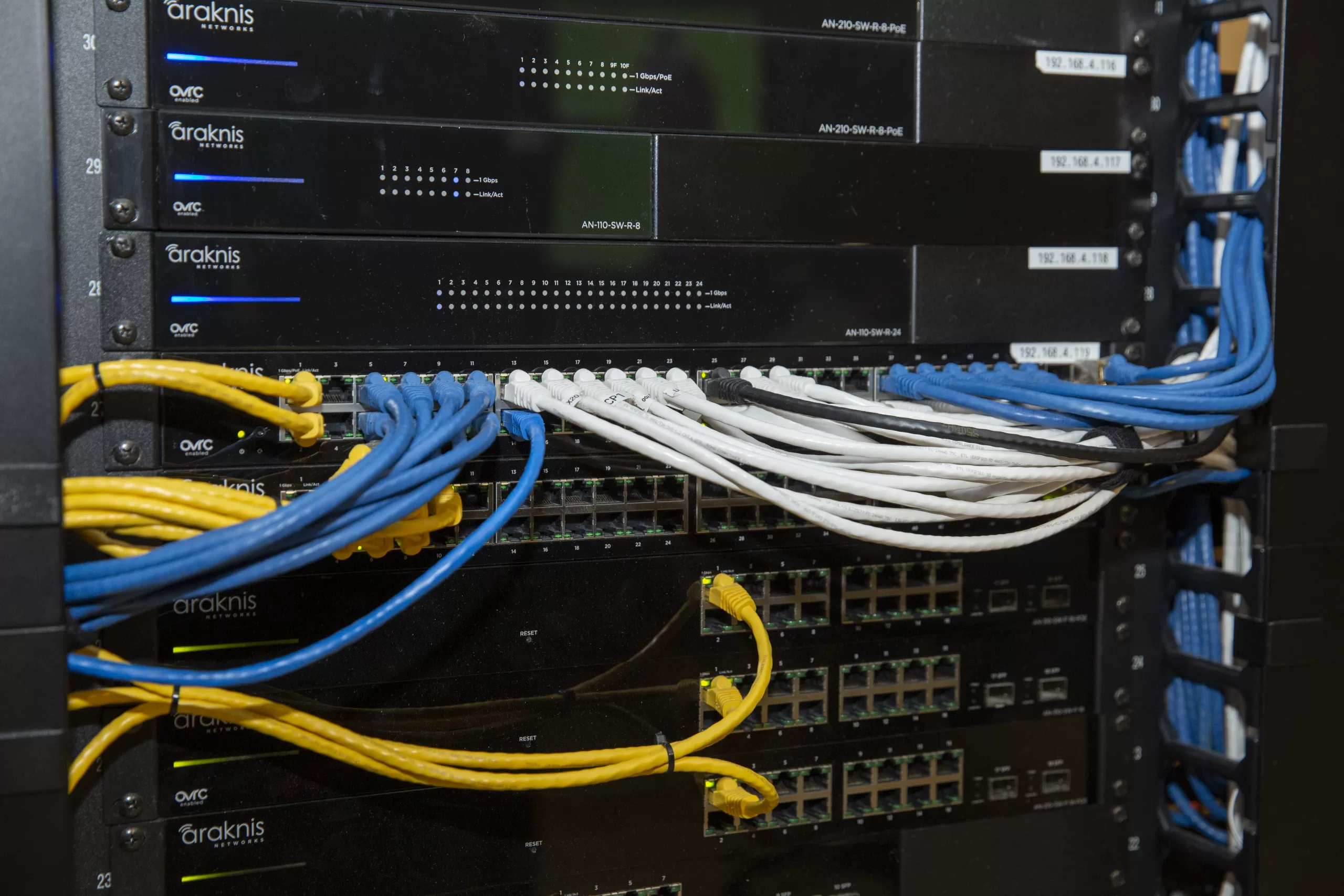
What You Get
- A lock that fits your door and works with your phone
- A bolt that goes all the way out, every time
- Your own code, plus codes for family, kids, and helpers
- Codes you can turn off when a job ends
- Auto-lock set to fit how your family comes and goes
- The app on every phone that needs it
- Low-battery warnings that reach the right person
- A backup way in
- A plain-English walkthrough before we leave
Honest Limits
Smart locks are good, not magic. Here’s what to know.
Power and batteries
Most smart locks run on batteries. Most give you a warning before the batteries die. Keep a backup key, or pick a lock with an emergency power option. We set this up so you’re not stuck on the porch.
Wi-Fi outages
On most keypad locks, the codes live in the lock. So the keypad keeps working when the internet is down. What you lose is phone control and alerts until the Wi-Fi comes back.
When the lock is the wrong fix
If the door is warped, drags, or doesn’t close clean, a smart lock won’t fix that. Sometimes the right fix is the door, not the lock. A storm door can also block the keypad. We tell you before you buy anything.
It’s a lock, not an alarm
A smart lock controls who gets in the door. It is not a full security system. If you want cameras or an alarm too, we talk about that separately.
Benefits
- No more spare key under the mat
- You decide who gets in, and for how long
- The door locks behind you
- You can check the lock from your phone
- Set up once, and it works every day
Clear Advice. Clean Work. Easy to Use.
Smart Lock Installation in Northern New Jersey
The team here at One Sound Choice puts in smart locks at homes all over Morris, Bergen, Essex, Passaic, Somerset, and Hunterdon County.
Smart locks — common questions
Are smart locks actually safe?
Yes — a good smart lock on a sound door, set up right, is a real deadbolt. The bonus is you control the codes.
Isn’t a regular key safer?
Not always. A key is only as safe as every copy of it, and you can’t turn a key copy off.
What happens if the battery dies?
You get a warning first on most smart locks. You still have a backup key or emergency power option, and we show you how to change the batteries.
What if my Wi-Fi goes out?
On most keypad locks, your codes still work. You lose phone control and alerts until the Wi-Fi is back.
Can I give the cleaner a code and take it away later?
Yes. Each person can have their own code, and you can turn one off from your phone when the job ends.
Do I need a new door?
Usually not. We check the door first, and if it needs a fix before a lock goes on, we tell you.
Want a Lock That Just Works?
Call or text (973) 945-5275 for a free visit. We check your door, pick the right lock, and set it up so it works every day.
Email: Ryan@onesoundchoice.com · onesoundchoice.com
One Sound Choice · 8 Tilley Ave · Pompton Plains, NJ 07444

Meet Ryan Herd
Ryan Herd is the CEO of One Sound Choice. He has spent 30+ years designing reliable smart homes in Northern New Jersey. He is a TEDx speaker, an author, and a former Mayor of Pequannock Township.