
Yes. It is. Doorbells, cameras, TVs, and phones often share one password on one network. That is the weak spot. Soft layered fix: strong unique passwords and separate networks for cameras and guests — not another scare headline.
Here at One Sound Choice, that is the family cybersecurity work we do in Northern New Jersey homes in Franklin Lakes, Upper Saddle River, Mahwah, North Caldwell, Pequannock, and across Morris, Bergen, and Essex. We map shared passwords, put wireless cameras on their own network when the house can support it, and put guests and kids’ friends on a guest network so visitors never sit on the same lane as your cameras.
On this page
- Is one password on every device risky?
- Why do homes end up with one password for everything?
- Isn’t my router password enough?
- Why should wireless cameras have their own network?
- Where should guests and kids’ friends sit on Wi-Fi?
- What does “use the whole keyboard” actually mean?
- What fails when people “just change the Wi-Fi password”?
- What does One Sound Choice check on a free visit?
- When should you call One Sound Choice?
- Family cybersecurity questions
- Meet Ryan
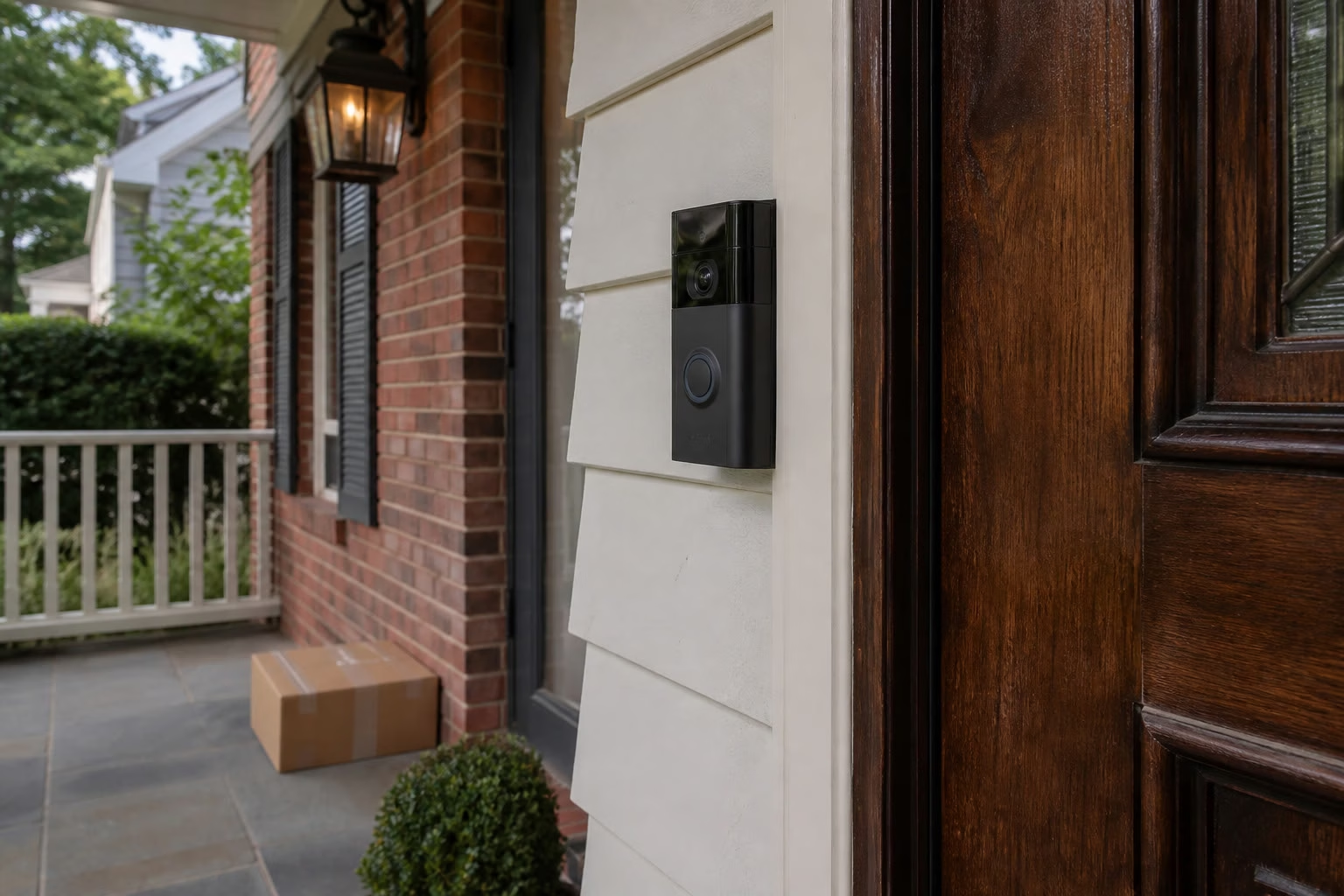
Is one password on every device risky?
Yes. Reusing one password across doorbells, cameras, TVs, and phones — and parking them all on one network — is the weak spot in a lot of Northern New Jersey homes.
Almost everything needs a password now. A Ring or similar video doorbell. Google Nest or floodlight cameras. Smart TVs. Family phones and tablets. They all ask for Wi-Fi during setup. The easy path is the same short string you already use for the main network. Before long, cameras and kids’ friends sit on the same lane as your everyday devices.
The fix is not another scary headline. The fix is a clear plan: passwords that use the whole keyboard, stay long, and do not get reused — plus separate networks where it matters.
Why do homes end up with one password for everything?
Because each new device asks for a password, and the easy path is to reuse the one you already typed for Wi-Fi.
Walk through a real setup day. The doorbell app wants Wi-Fi. The floodlight cam wants Wi-Fi. The new TV wants Wi-Fi, and the remote makes long passwords painful to type. A kid’s friend asks for the house password on Friday night. Nobody wants to invent a new long string four more times. So the same password lands on the main network, the Ring login, the Nest login, and three TVs.
New gadget → same password → same network. That pattern is normal. It is also how cameras and visitors end up next to phones and laptops on one flat lane. In Mahwah and North Caldwell homes we see the same story: the house grew one device at a time, and the password never got a real plan.
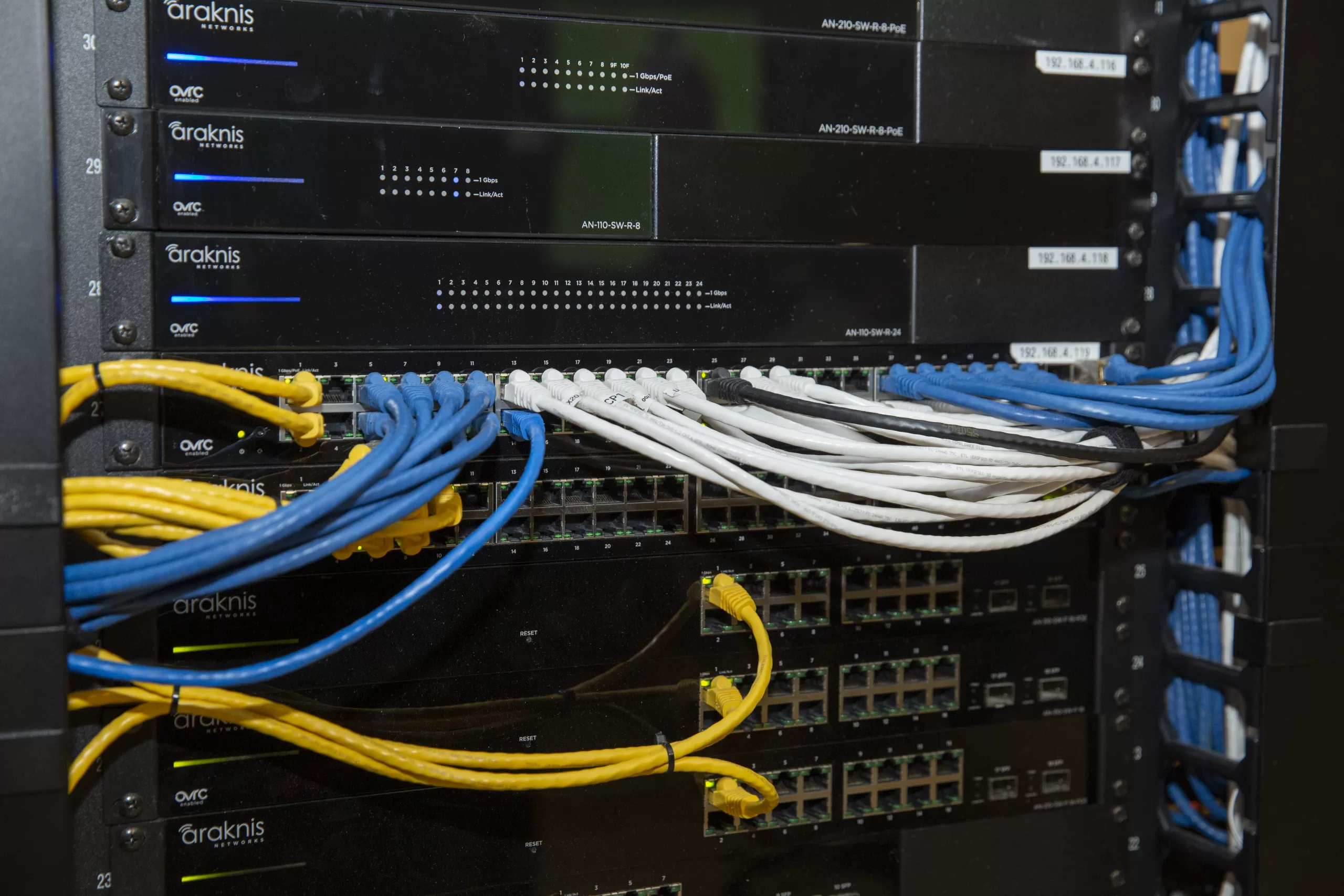
Isn’t my router password enough?
No. The router password is only the front door. Doorbells, cameras, and TVs still need their own strong logins — and cameras and guests should not share the main network by default.
The Wi-Fi key gets a device onto the network. It does not replace the account password on the doorbell app, the camera app, or the smart TV. If that same short string is also the Ring, Nest, and TV password, one weak string opens more than one door.
A strong router password still matters. It is just not the whole job — passwords and network splits, not “change the router password and hope.”
Why should wireless cameras have their own network?
Yes — wireless cameras should have their own network and their own password when the home can support it.
Cameras watch the door, the garage, and the yard. Guests and kids’ friends only need internet for a few hours. Those are different jobs. When cameras sit on the same SSID as weekend visitors, everyone shares one lane. A separate camera network keeps camera traffic off the guest lane and the everyday-device lane when the gear can host that split cleanly.
Cameras do not belong on the guest network either. Guest networks are for visitors. Camera networks are for your doorbells and floodlights. Putting cameras on guest “because isolation sounds good” can mix the wrong devices or break live view. Map first. Then place cameras on a camera SSID with its own password.
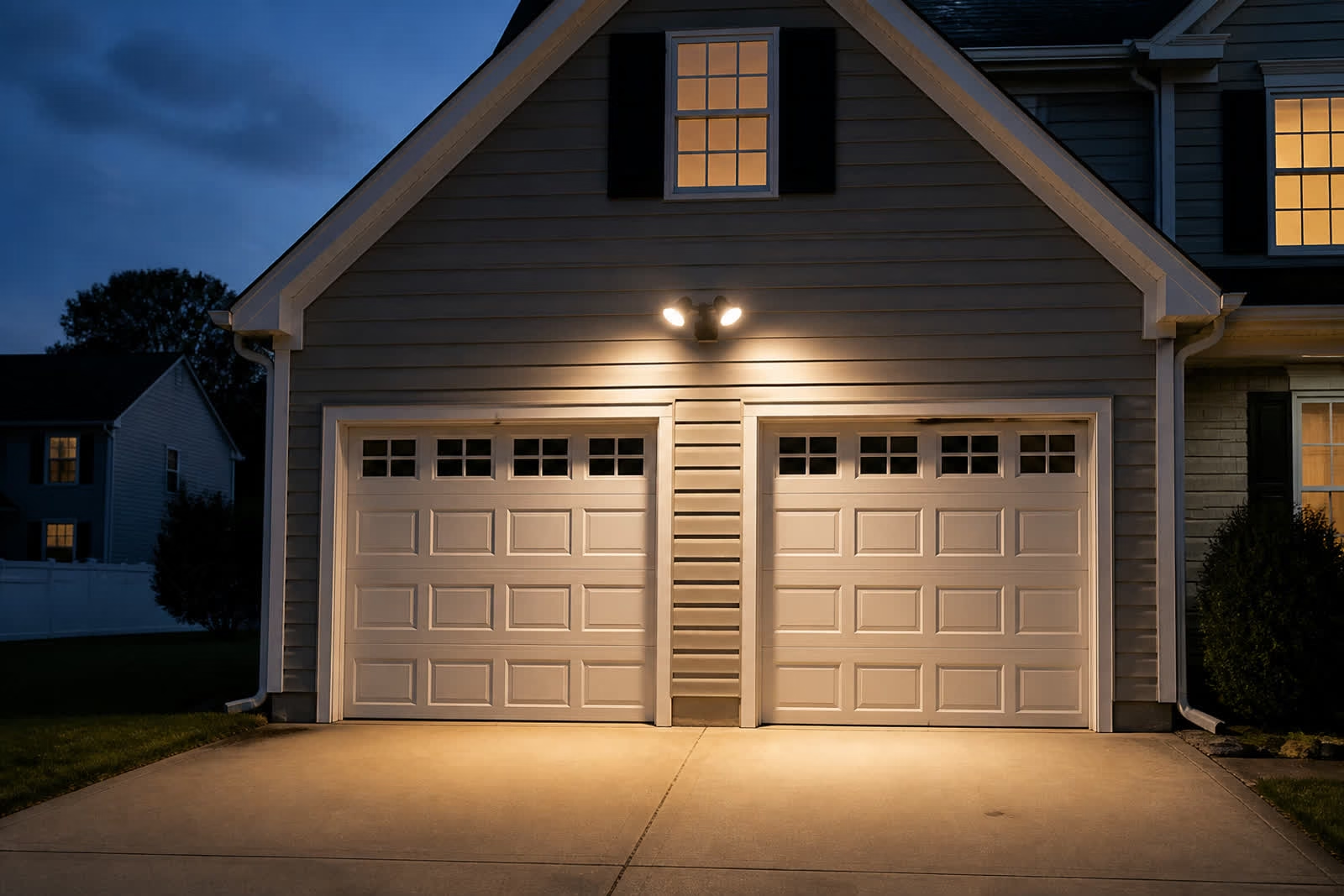
Where should guests and kids’ friends sit on Wi-Fi?
On a guest network with its own password — so visitors never sit on the same lane as your cameras.
Kids’ friends, weekend company, contractors, and visiting tablets all need the internet. They do not need to sit next to your wireless cameras on the main house network. A real guest SSID gives them a lane of their own. You still share Wi-Fi. You do not share the camera network.
Many Northern New Jersey routers already offer a guest option that nobody turned on — or the family still hands out the main password because it is easier. On the visit we check whether a guest network exists, whether it actually isolates, and whether the family will use it on a busy Friday night.
Want a clear map of passwords and networks at your house? Call or text One Sound Choice at (973) 945-5275. Or start on our one password every device page.
What does “use the whole keyboard” actually mean?
It means uppercase, lowercase, numbers, and symbols like !. Make the password long. Do not reuse it on every device.
Short clever passwords feel easy until you type them into five apps. Long passwords that mix letter cases, numbers, and a symbol are harder to guess and still usable when someone walks you through a plan the family can keep. “Whole keyboard” is Ryan’s plain-English rule after 30+ years in homes — not a scare phrase.
Do not reuse one password on Wi-Fi, the doorbell app, the camera app, and the TVs. Unique passwords for those doors, plus the network splits above, are the soft layered fix.
What fails when people “just change the Wi-Fi password”?
Changing only the main Wi-Fi password leaves the rest of the house alone — and often puts the same weak pattern right back in place.
The doorbell app login is still the old short string. Camera accounts stay reused. Smart TVs keep what they already saved. Kids’ friends may get the new key and land on the main network again because there is still no guest SSID. Cameras never moved to their own network. You changed one door and left the floor plan the same.
A password change without a map also creates chaos: half the house works, half asks for Wi-Fi again, and the family retypes whatever is easiest. That is why One Sound Choice maps first and fixes the highest-risk shares in order instead of flipping every setting on day one.
What does One Sound Choice check on a free visit?
We map what shares one password, what sits on which network, and what the house can support — then we walk a clear plan before anything changes.
On a free visit we check which devices still share one password; whether wireless cameras sit on the main network; whether a real guest network exists; weak or reused logins; what the gear can host for a camera SSID and a guest SSID; and which shares to fix first.
What you get: a map of what should be separated; stronger password rules that are still usable; cameras on their own network when the house needs it; a guest network for visitors; and a plain-English walkthrough with no scare tactics.
Honest limits: we do not demand you change every password tomorrow. We do not turn the visit into crime stories. If coverage, outdoor lighting, or a TV also need work, we say so plainly and keep this job clean.
When should you call One Sound Choice?
Call when one password runs across doorbells, cameras, TVs, and phones — when cameras and kids’ friends share the main network, when there is no real guest lane, or when you changed the Wi-Fi once and still do not know what to fix next.
- You call or text for a free visit at (973) 945-5275.
- Our team comes to the house and maps devices, passwords, and networks.
- We check camera vs main vs guest, weak or reused logins, and what your gear can support.
- You get a clear plan — what to separate first, what passwords to strengthen, and a next step you can actually use.
One Sound Choice works across Northern New Jersey — Morris, Bergen, Essex, Somerset, Passaic, and Hunterdon when it fits — including Franklin Lakes, Upper Saddle River, Mahwah, North Caldwell, and Pequannock. Existing homes welcome. Most visits are retrofits with the gear you already have when it still makes sense.
Ready for a clear password and network map? Call or text One Sound Choice at (973) 945-5275. Or start on our one password every device page.
What One Sound Choice clients say
We one a vacation home and were concerned with security when we are not there. 1 Sound Choice provided camera that allowed us to record all activity for a month and we could dial into the system from the internet. The system also will automatically flash lights inside the home to discourage intruders from entering.
– The Lavelle Family (1 Sound Choice client testimonials)
The 1 Sound Choice staff was very easy to work with. Ryan, you understood our wants right from the beginning. Simplicity of installation and operation were just some of the reasons we chose 1 Sound Choice. You exceeded my expectations!
– Mr. & Mrs. Matia (1 Sound Choice client testimonials)
Very efficient and professional. Knowledgeable of equipment and products suited for your space/home. Perfectionists at their job and get the task done in promised time.
– dmhajjar (Houzz review)
Family cybersecurity questions
Is one password on every device risky?
Yes. Reusing one password across doorbells, cameras, TVs, and phones is the weak spot. One Sound Choice maps those shares and sets stronger passwords plus separate networks where it matters.
Isn’t my router password enough?
No. The router password is only the front door; devices still need strong logins and smart network splits.
Should cameras have their own network?
Yes. Wireless cameras should have their own network and password when the home can support it.
What about guests and kids’ friends?
Put them on a guest network with its own password so they never sit on the same lane as your cameras.
Do I have to change every password tomorrow?
No. We map the house first and fix the highest-risk shares in a clear order.
Will you scare me with crime stories?
No. This campaign is informational — what fails, what we check, what you get.
How do we get started?
Call or text (973) 945-5275. Tell us which devices share one password. We set a free visit and walk the plan with you.
Meet Ryan
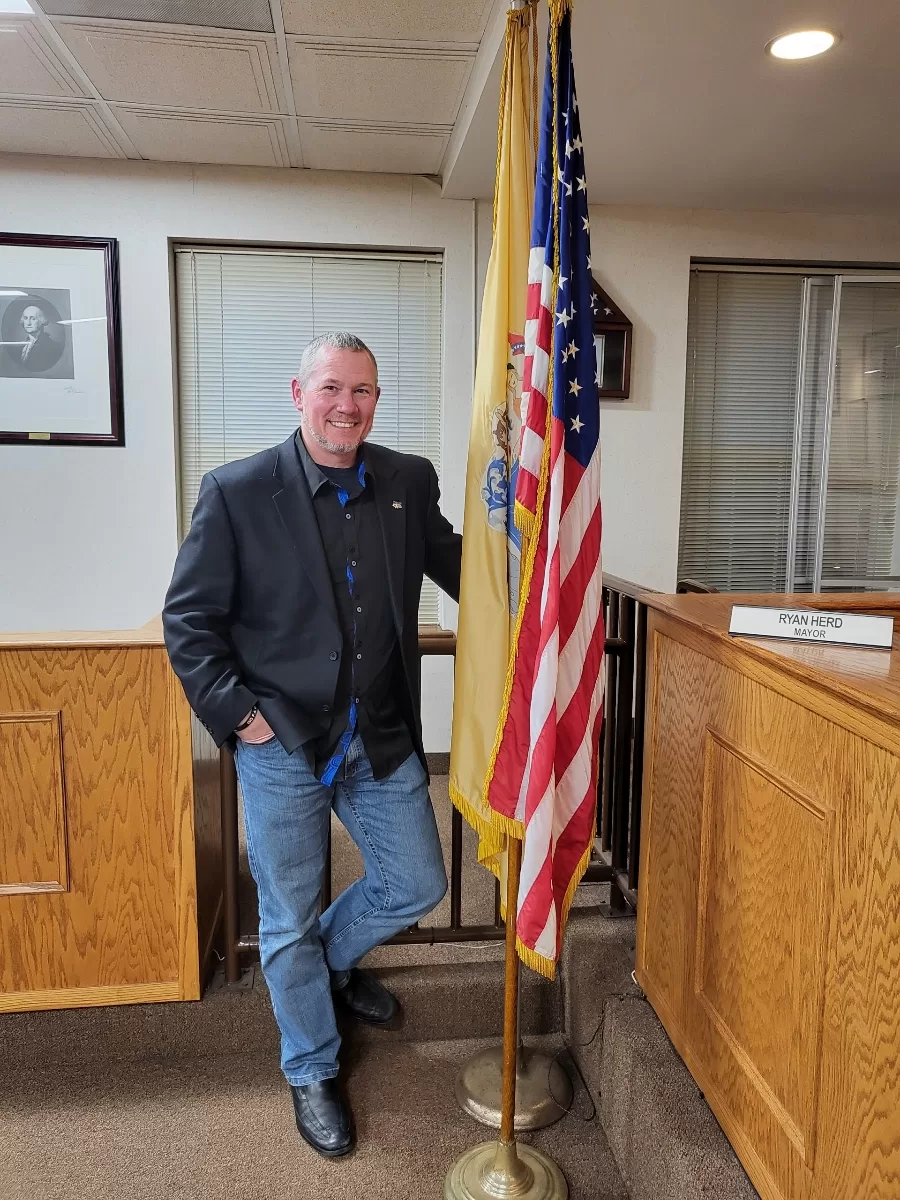
Ryan Herd started One Sound Choice more than 30 years ago and has worked in thousands of New Jersey homes. He is the former Mayor of Pequannock. He wrote Join the Smart Home Revolution. He has given a TEDx talk on aging in place and holds patents. He looks at how your family actually uses the house — doorbells, cameras, TVs, and phones — then the team maps passwords and networks that fit. Clear advice, clean work, easy to use.
He will look at which devices share one password, whether cameras and guests sit on the right lanes, and what a usable plan looks like for your router and your family — without scare tactics.
Is one password running across every device in the house? Call or text One Sound Choice at (973) 945-5275 for a free visit, or start on our one password every device page.
One Sound Choice, 8 Tilley Ave, Pompton Plains, NJ 07444. Call or text (973) 945-5275. We work in homes across Morris, Passaic, Bergen, Essex, Somerset, and Hunterdon counties.