Yes — One Shared Password Is the Weak Spot
Almost everything in the house needs a password now. Ring doorbells. Google cameras. Smart TVs. Phones. They all sit on the same network. If that one password is weak, or reused everywhere, everything is easier to get into. The fix is not another scary headline. The fix is a clear plan: strong passwords and separate networks where it matters.
Want the longer read? See our blog post: Is one password on every device risky? Or text Ryan a photo of your router and the label on it. He will tell you what he would fix first.
Why Do Homes End Up With One Password for Everything?
Because each new device asks for a password, and the easy path is to reuse the same one you already typed for Wi-Fi. New gadget, same password, same network — and before long cameras and kids’ friends sit on the same lane as your main devices.
Doorbells
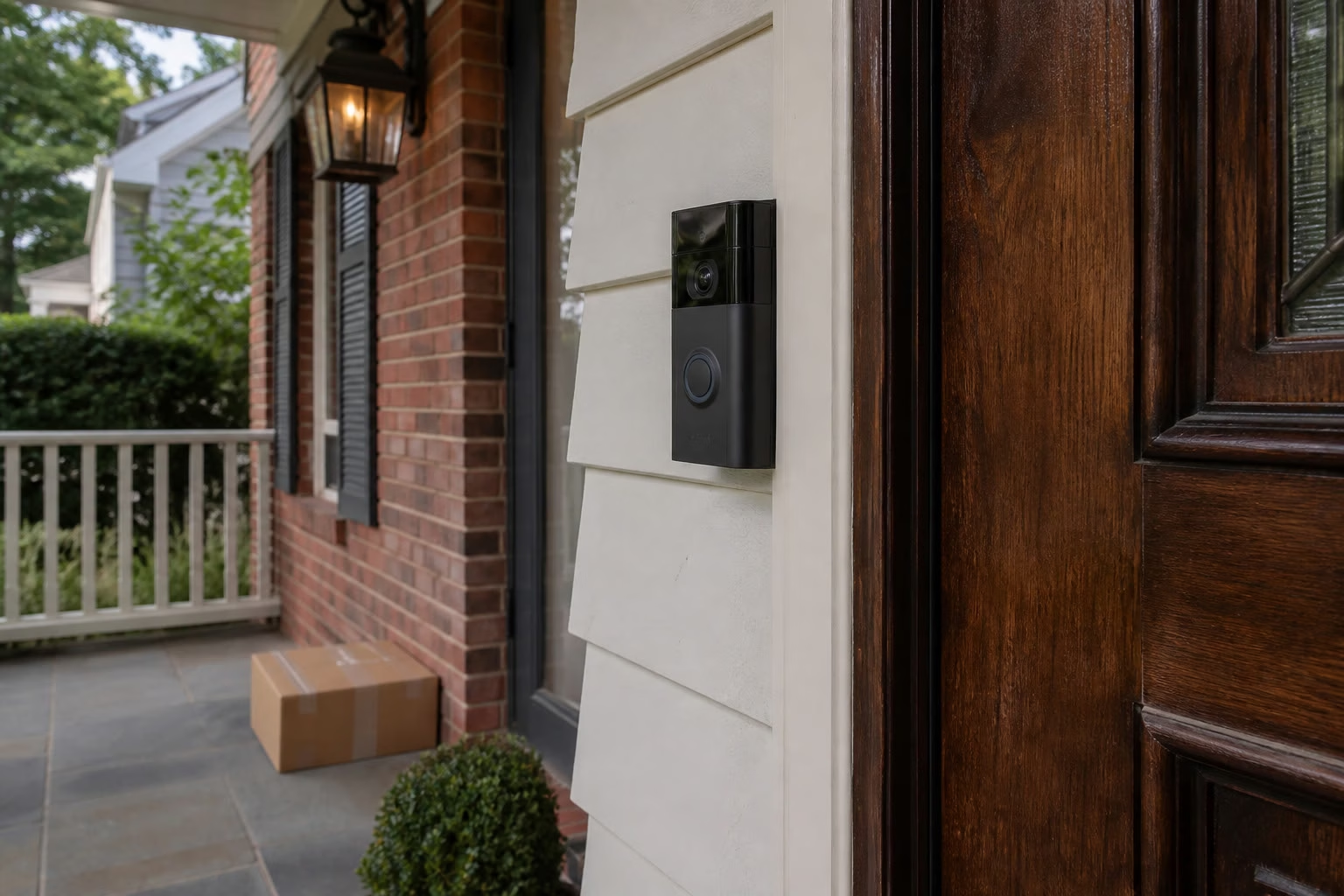
A Ring or similar video doorbell asks for Wi-Fi during setup. Most homeowners type the main house password and move on. That puts the door camera on the same lane as phones and computers.
Cameras
Google Nest, floodlight cams, and indoor cams often reuse that same Wi-Fi login. Wireless cameras should live on their own network with their own password when the house can support it.
Smart TVs
Every living-room and bedroom TV wants Wi-Fi. One shared password across TVs, streaming sticks, and phones means one weak string unlocks a lot of screens.
Phones & everyday devices
Family phones, tablets, and kids’ friends’ phones join the main network. Guests should sit on a guest network so visitors never share the camera lane.
Myth: “My Router Password Protects Everything”
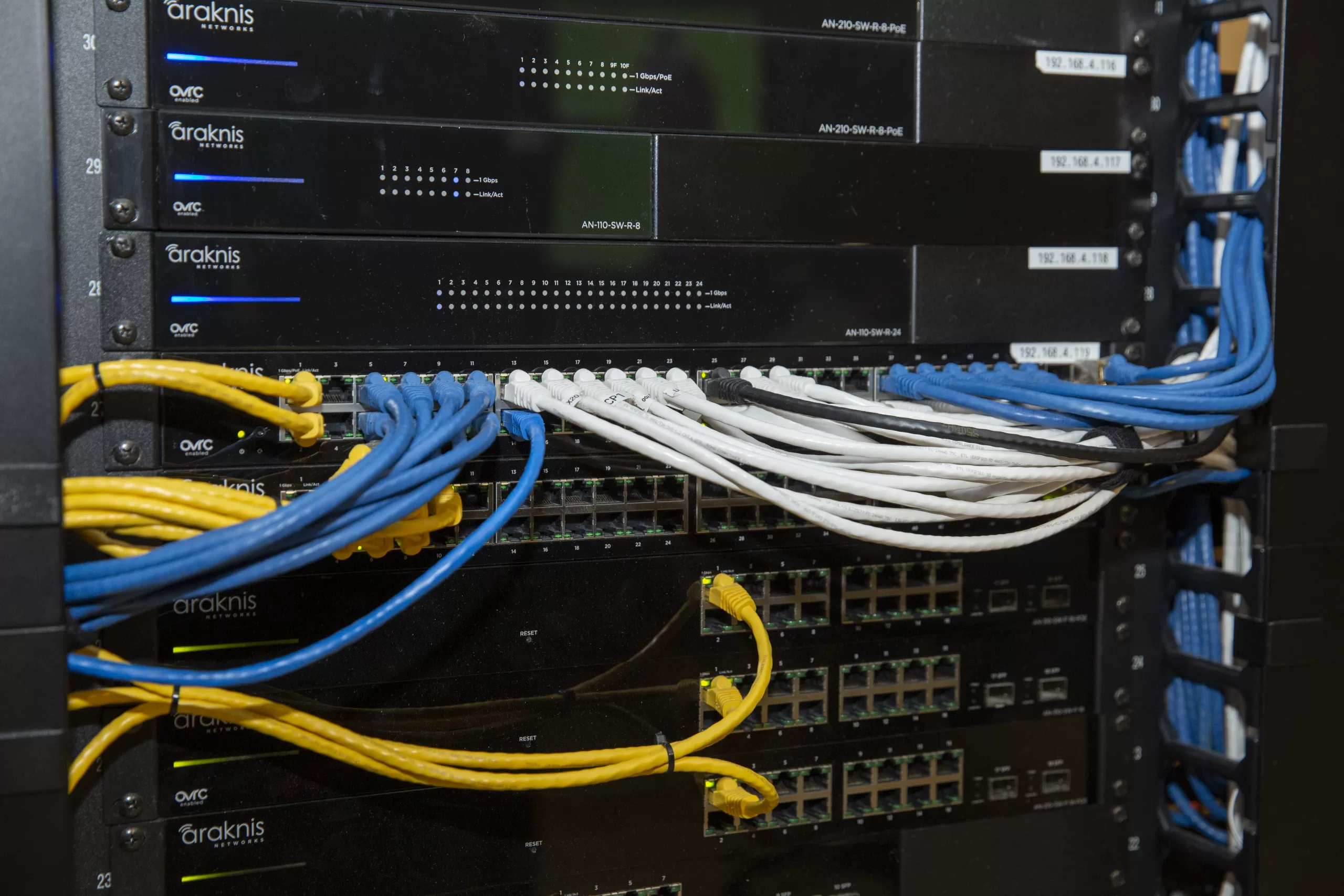
A router password is only the front door. Doorbells, cameras, and TVs each need their own strong login — and cameras and guests should not share the main network.
Front door only
The Wi-Fi password gets a device onto the network. It does not replace a strong account login on the doorbell app, the camera app, or the smart TV.
Reuse multiplies risk
When the same short password is typed into Wi-Fi, the Ring app, the Nest app, and three TVs, one leak or guess opens more than one door.
Guests on the wrong lane
Kids’ friends and weekend visitors should get internet on a guest network — not sit next to your wireless cameras on the main SSID.
This is why One Sound Choice looks at passwords and network splits on the free visit — not just “change the router password and hope.”
What Ryan Tells Homeowners After 30+ Years
Use the whole keyboard. Do not reuse. Split the networks.
Use the whole keyboard — uppercase, lowercase, numbers, and symbols like !. Make passwords long. Do not reuse one password on every device. Split the networks: wireless cameras on their own network with their own password; guests and kids’ friends on a separate guest network so visitors never sit on the same lane as your cameras.
Whole keyboard
Uppercase, lowercase, numbers, and symbols. Long beats clever short strings you reuse for years.
No reuse
Wi-Fi, doorbell app, camera app, and TVs should not share one password. One leak should not open everything.
Split networks
Cameras on their own network. Guests and kids’ friends on a guest network. Main devices stay on the main lane.
What One Sound Choice Checks at the House
We do not start by scaring you or flipping every setting on day one. We map what shares one password, what sits on which network, and what should move — then we walk a clear plan before anything changes.
What OSC checks on the visit:
Shared passwords
Which devices still share one password — doorbells, cameras, TVs, phones, and the main Wi-Fi string.
Camera vs main vs guest
Whether wireless cameras sit on the main network, and whether a real guest network exists for visitors.
Weak or reused logins
Short, guessable, or recycled passwords that show up on more than one device or app.
What the house can support
Router and access-point setup — can this home cleanly host a camera SSID and a guest SSID without breaking everyday Wi-Fi.
Highest-risk shares first
We rank what to fix first so you are not changing every password tomorrow for no clear reason.
Plain-English plan
A clear walkthrough of what changes, what stays, and how the family will actually use the new passwords and networks.
What You Get
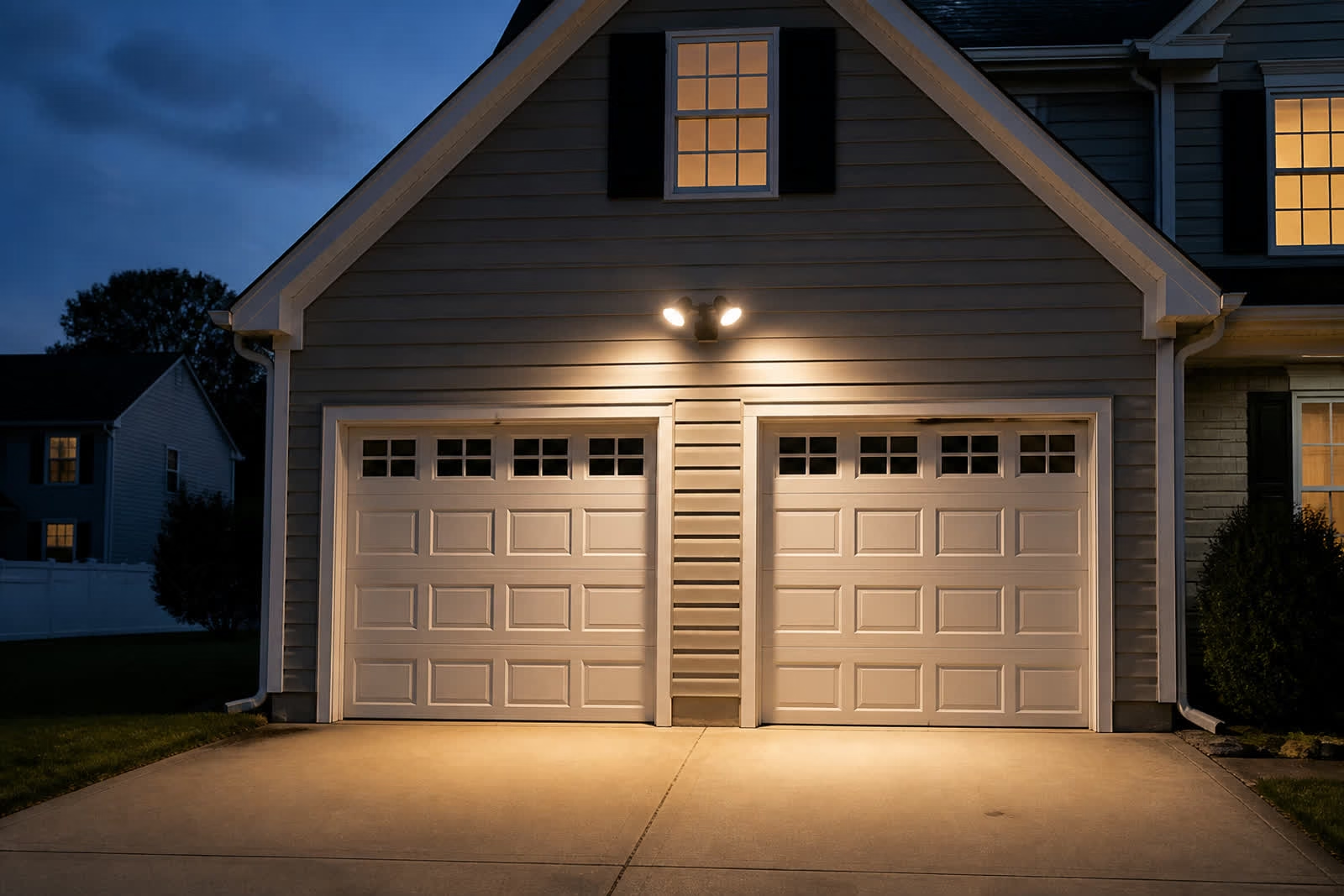
A map of what should be separated. Stronger password rules that are still usable. Cameras on their own network when the house needs it. A guest network for visitors. A plain English walkthrough — no scare tactics.
- Cameras stay off the guest lane
- Visitors get internet without touching your cameras
- Passwords that use the whole keyboard and are not reused everywhere
- One clear plan instead of guessing device by device
- Camera network with its own password when the home can support it
- Guest network for kids’ friends and weekend visitors
What This Visit Does — and Does Not — Promise
We map first. We do not demand you change every password tomorrow. We do not replace a full camera redesign if the cameras themselves are the wrong product for the job. We do not turn the visit into crime stories. This campaign is informational: what fails, what we check, what you get. If Wi-Fi coverage, outdoor lighting, or a TV also need work, we say so plainly and keep the password-and-network job clean.
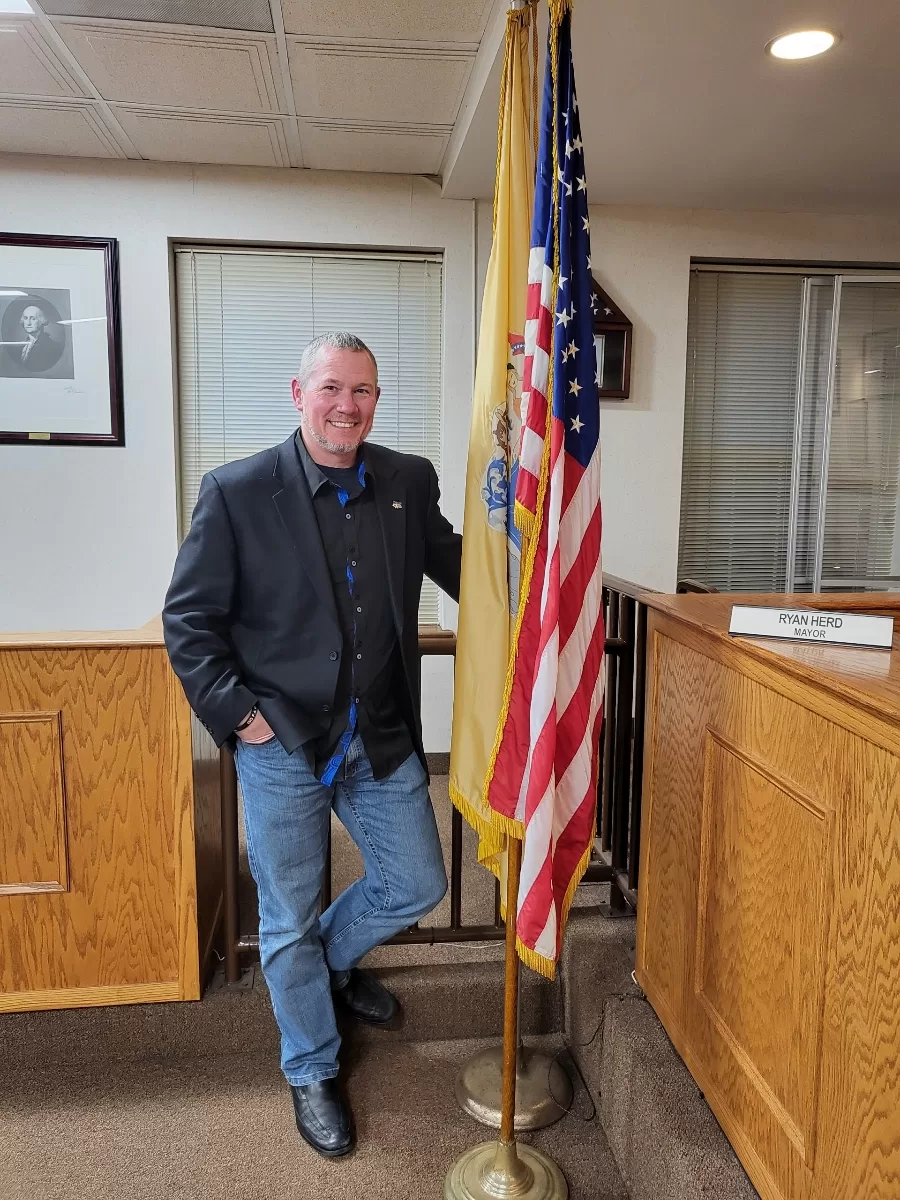
Ryan Herd — Making Home Technology Simple for More Than 30 Years
Ryan Herd is the founder of One Sound Choice. Former Mayor of Pequannock. More than 30 years in smart home and home technology. Author of Join the Smart Home Revolution. TEDx speaker. Patents. Thousands of Northern New Jersey installs. He looks at how your family actually uses the house — doorbells, cameras, TVs, and phones — then the team maps passwords and networks that fit. Clear advice, clean work, easy to use.
He will look at which devices share one password, whether cameras and guests sit on the right lanes, and what a usable plan looks like for your router and your family — without scare tactics.
Clear advice. Clean work. Easy to use.
Northern New Jersey home network & password visits
Morris · Bergen · Essex · Passaic · Somerset · Hunterdon · Hudson when it fits.
Towns One Sound Choice actually serves include Franklin Lakes, Upper Saddle River, Mahwah, North Caldwell, Pequannock, and nearby Northern New Jersey towns — not a county-line dump page.
One password on every device — common questions
Is one password on every device risky?
Yes. Reusing one password across doorbells, cameras, TVs, and phones is the weak spot. One Sound Choice maps those shares and sets stronger passwords plus separate networks where it matters.
Isn’t my router password enough?
No. The router password is only the front door; devices still need strong logins and smart network splits. Cameras and guests should not share the main lane by default.
Should cameras have their own network?
Yes. Wireless cameras should have their own network and password when the home can support it. That keeps camera traffic off the guest and everyday-device lane.
What about guests and kids’ friends?
Put them on a guest network with its own password so they never sit on the same lane as your cameras. Visitors still get internet; your camera network stays separate.
Do I have to change every password tomorrow?
No. We map the house first and fix the highest-risk shares in a clear order. You leave with a plan, not a panic list.
Will you scare me with crime stories?
No. This campaign is informational — what fails, what we check, what you get. Call or text (973) 945-5275 for a free visit.
Book a Free Network Visit
Call or text One Sound Choice for a free visit. We map passwords and networks at the house — cameras on their own lane, guests on a guest network, passwords that use the whole keyboard. Prefer to book on the calendar? Use the button below.
How We Do It ↑ — see what we check on the free visit.
Email: Ryan@onesoundchoice.com · onesoundchoice.com
One Sound Choice · 8 Tilley Ave · Pompton Plains, NJ 07444